API Usage
How to use the ADKT GraphQL API.
Postman Collection
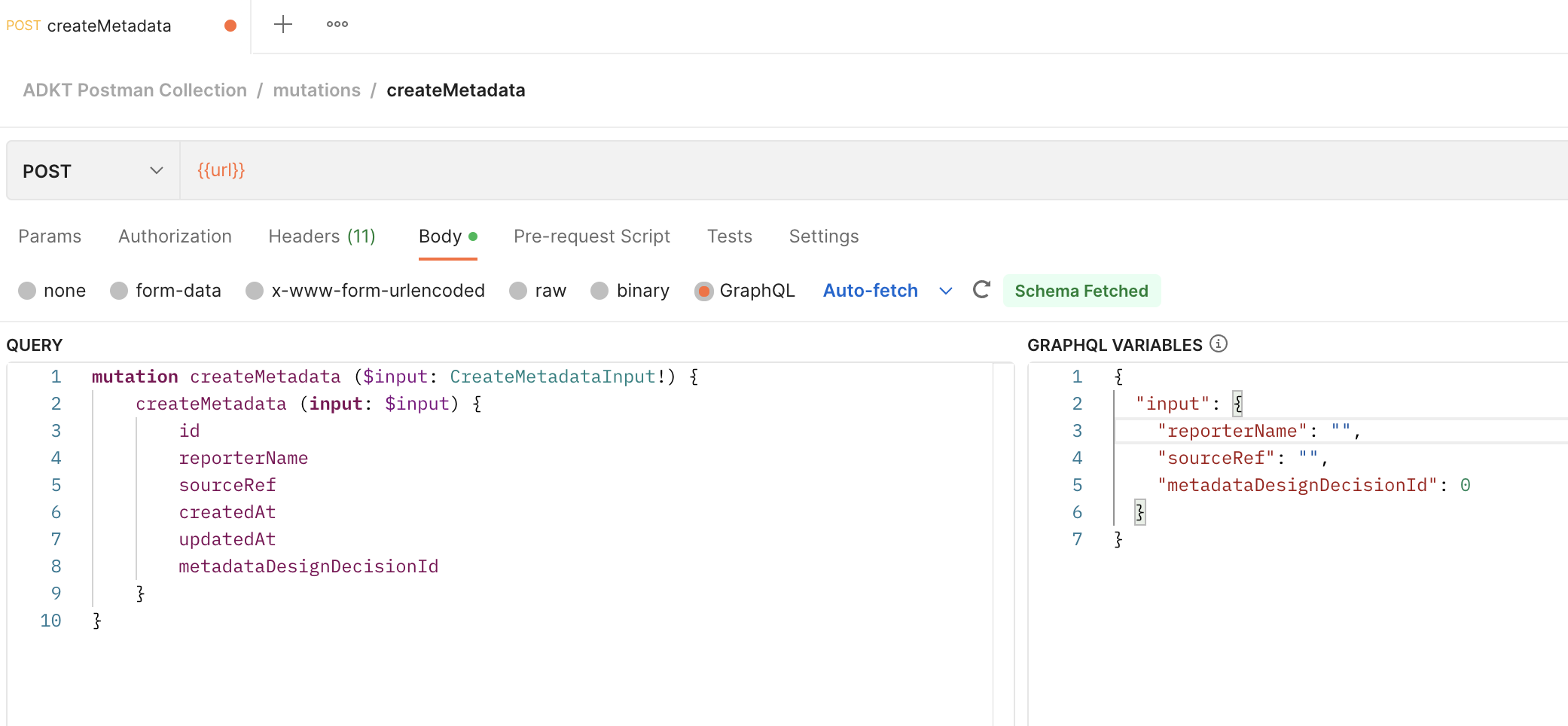
Import the next Postman Collection and test the mutations and queries. Don’t forget to change the Authorization variable x-api-key with the correct API KEY.
Query example:
GraphQL Playground
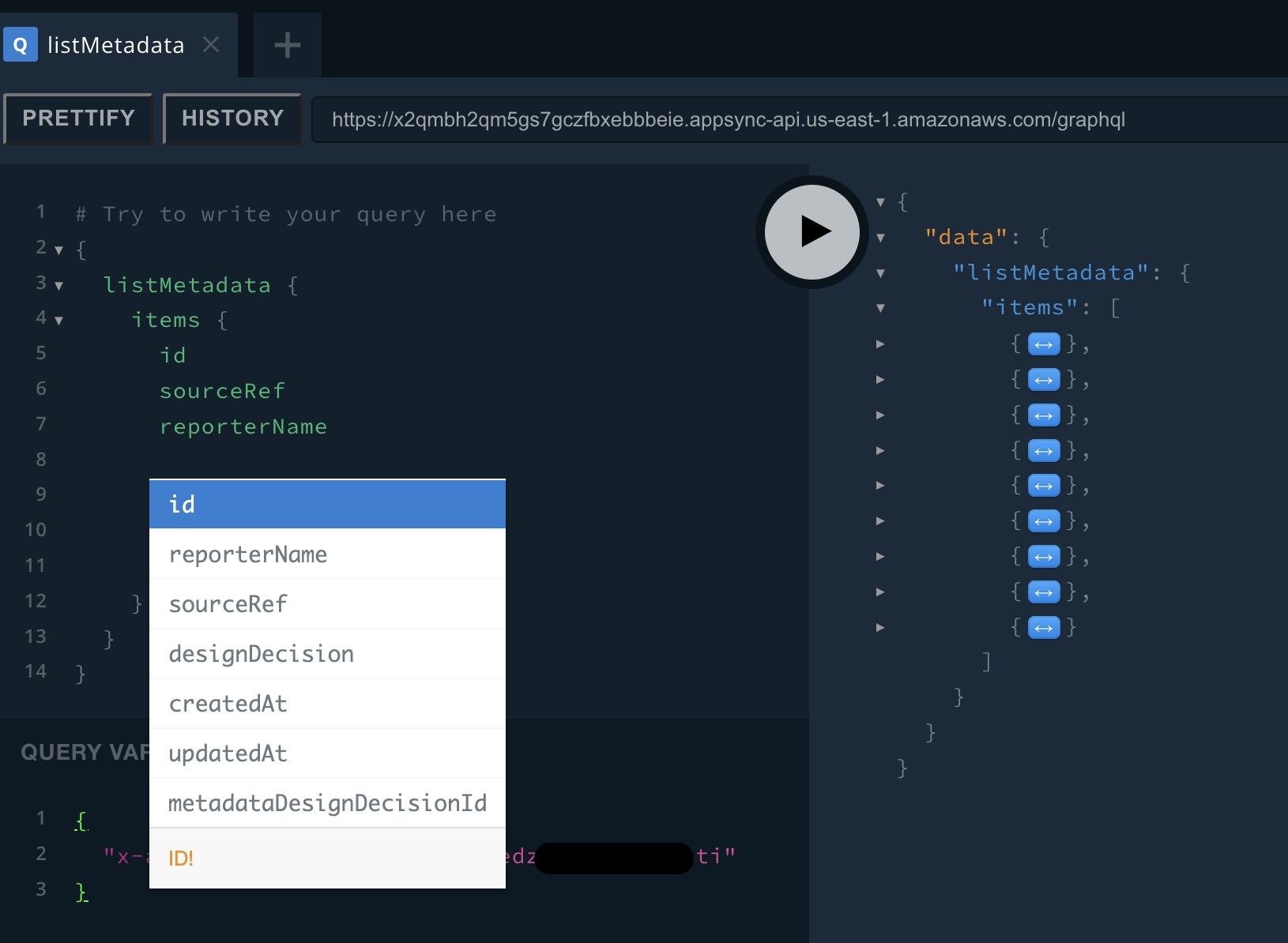
GraphQL Playground is a good tool to get suggestions and auto-complete for queries and mutations building.
Install the Browser extension for GraphQL Playground:
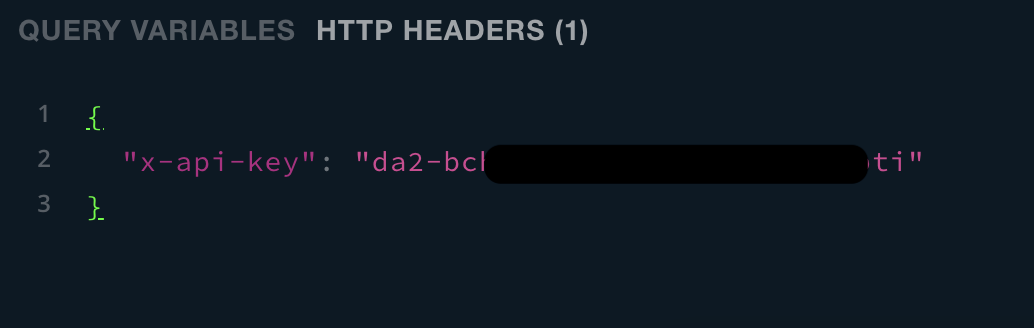
In the HTTP Header section, setup the API as follow:
{
  "x-api-key": "da2-xxxxxxxxxxxxxxxxxxxxxxxxx"
}
Test with mutations and queries:
URL
https://x2qmbh2qm5gs7gczfbxebbbeie.appsync-api.us-east-1.amazonaws.com/graphql
Queries
Operations to bring the information from all the models in the ADKT model. (Check the data model)
Get
Get an entity info through an id, following the next convention:
get[TYPE](id)
Example for Consequences: getConsequence(id)
List
To list, basically it follows the next convention:
list[TYPE]s
Example for Consequences: listConsequences
Additionally, 3 parameter could be included: filter, limit y nextToken.
You can check each parameter in the GraphQL Playground
listConsequences(filter, limit, nextToken)
Mutations
Operations to manipulate (Create, Update, Delete) the information of the elements in the ADKT model.
Create
Creates an item in the table TYPE
create[TYPE](input, condition)
Example for Consequences: createConsequence(input, condition)
Update
Updates an item in the table TYPE
update[TYPE](input, condition)
Example for Consequences: updateConsequence(input, condition)
Delete
Deletes an item in the table TYPE
delete[TYPE](input, condition)
Example for Consequences: deleteConsequence(input, condition)